



The Ultimate Webcam Upgrade
Connect just about any HDMI-compatible camera and instantly elevate the image quality over your built-in or USB webcam. Many standalone cameras offer HDMI output, from action and point-and-shoot cameras to higher-grade mirrorless and DSLR models. They have much better lenses than any webcam and often include zoom capability to frame your perfect shot.


Superior Image Quality
Improve color, sharpness, and focus to get a cinematic look.

Fast, No-Fuss Setup
Shows up like a webcam—no special software required.

Now You See Me,
Now You Don’t
Need a break? Turn off your camera feed with the push of a button.

Get Ready to Sound Great
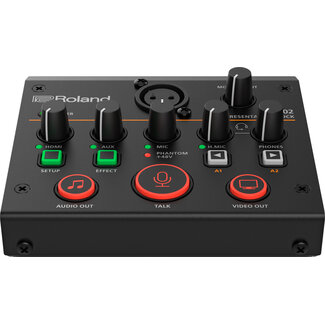
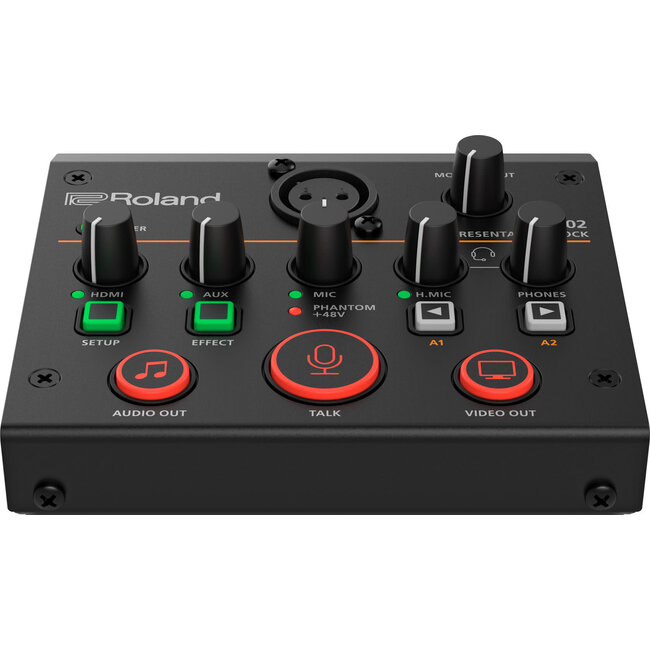
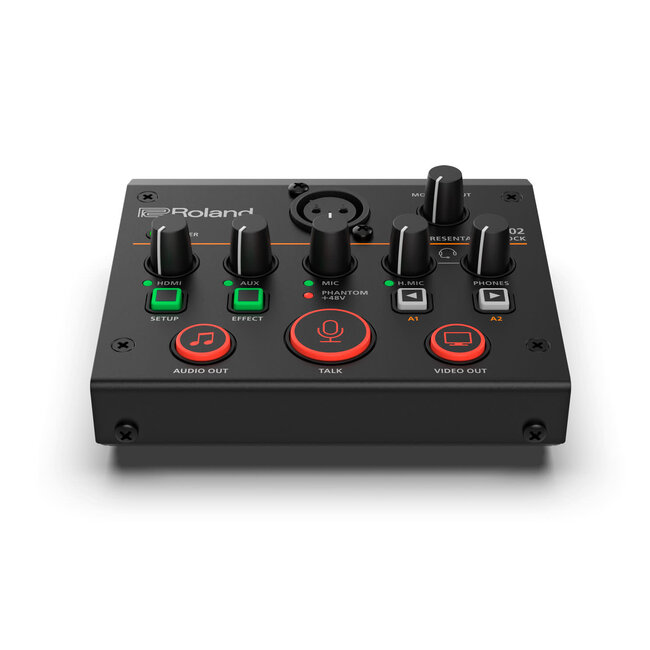
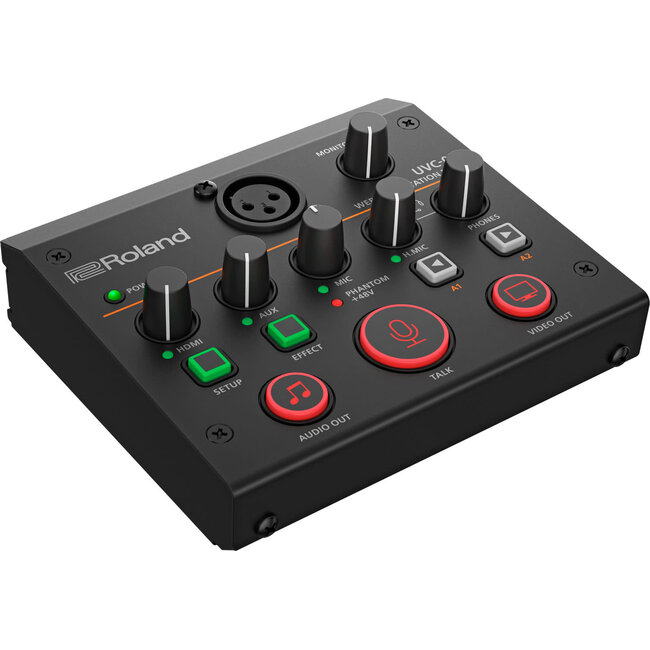
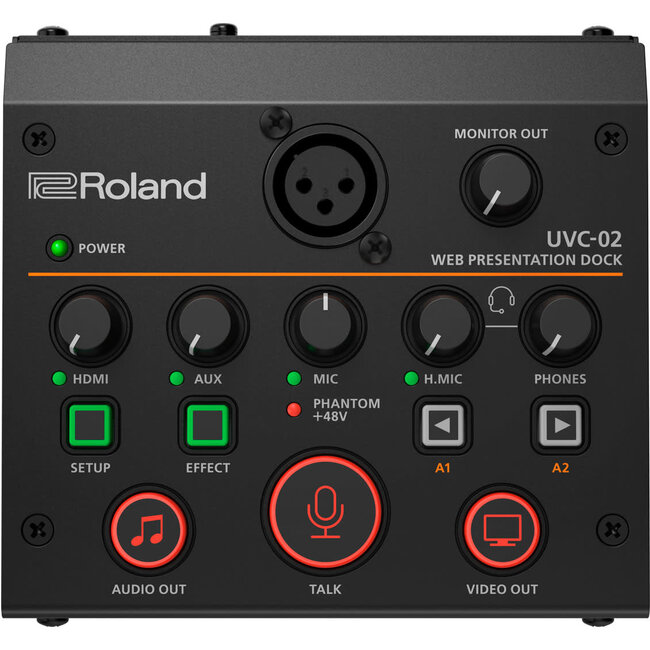
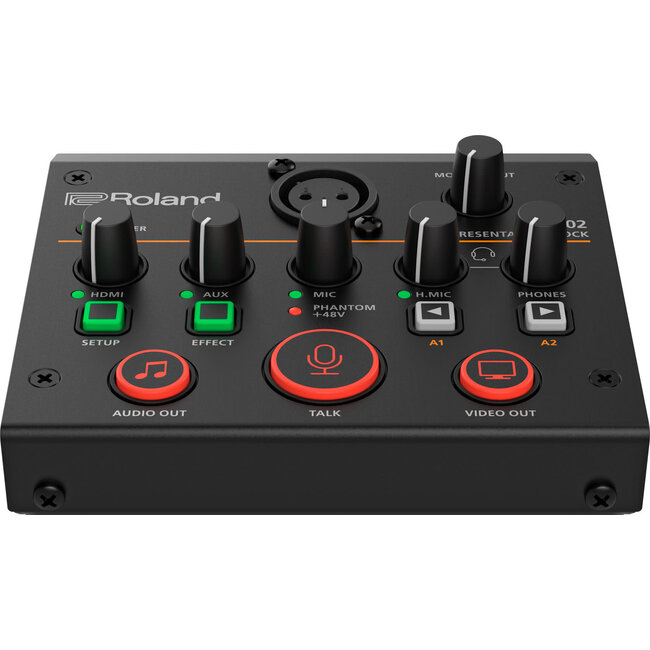
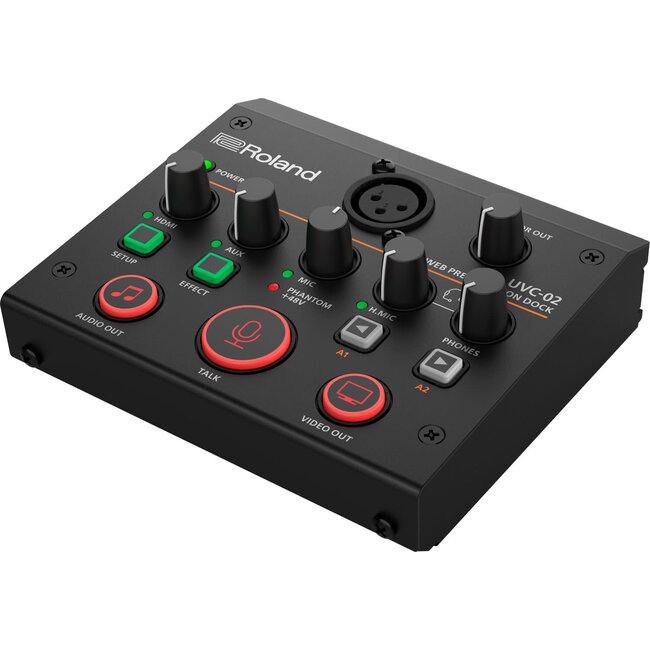
There’s nothing worse than bad audio quality in an online meeting. The UVC-02 ensures your sound starts off strong and stays that way. With a tiny studio-grade mixer and four inputs backed by Roland’s pro audio technology, you have a whole new range of sonic superpowers at your command.

Works with
Professional Mics
Pro broadcast and recording studios choose a specific microphone to get the best out of a performer’s voice. Now, you can choose the mic type that’s right for you and connect it via the XLR input on the UVC-02. Phantom power is also available, allowing you to use a studio-grade condenser mic for the very best sound quality.

Sound Monitoring
Made Simple
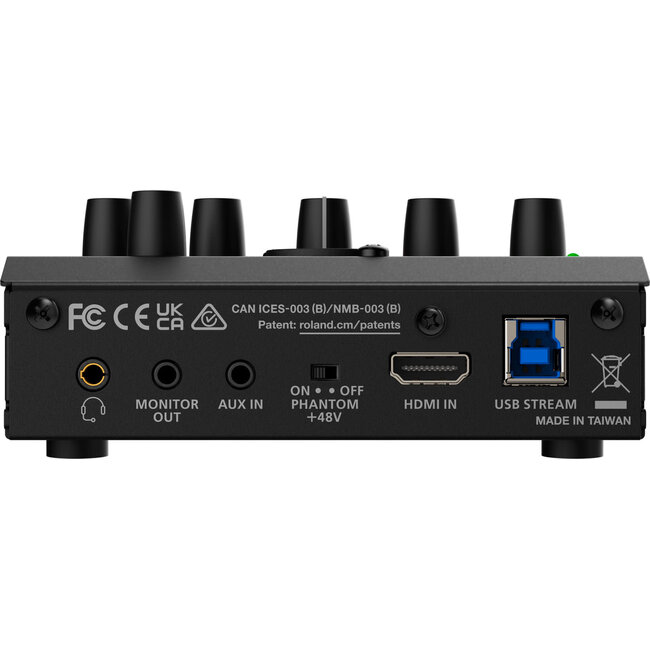
The UVC-02 has a dedicated headphones jack, as well as a stereo monitor output for connecting to external speakers or a recorder. And both have dedicated panel knobs that allow you to reach out and control the listening level with a quick twist. The headphones jack also supports the inline mic on a standard set of earbuds, and there’s a dedicated level knob for this as well.

Bring Your Music
to the Meeting
Hate that awkward silence while waiting for everyone to join the meeting? Then connect your phone or other media player to the Aux In and play some background music while everyone gets online.

One-Touch Audio Mute
Don’t scramble for the un-mute switch in your software as everyone chants, “You’re on mute.” Just press the large Talk button to instantly turn your audio on or off. And with the button’s bright backlight, you’ll always know when your sound is live.

Love the Sound of Your Voice
Just like a broadcast studio, the UVC-02 includes a pro-quality equalizer and audio effects to make your voice sound great. Convenient templates are included to get you started, complete with easy controls to tweak the sound until it’s just right.

Sound Proofing
as Standard
With advanced echo cancellation and noise suppression on board, the focus is always on you—and not distracting background sounds like domestic bustle and traffic.

Who Said Meetings
Are Boring?
Bring the fun by transforming your voice to male/female, a robot, or even a ghost using the onboard Voice Change effect. You can also trigger applause, chimes, buzzers, or your own custom sound samples for fresh reactions to ideas shared in your meetings.

Customizable Control
Streamline your sessions even further with dedicated UVC-02 software for macOS and Windows. Choose two functions that you use most often—such as PowerPoint and Keynote slide advance* or a sound effect trigger—and assign them to the A1 and A2 buttons for one-touch operation.
*PowerPoint slide control is only available for Windows. Keynote slide control is only available for macOS.

ACCESSORIES
CGM-30 Gooseneck Microphone
The optional CGM-30 is the perfect partner for the UVC-02, providing a high-quality desktop solution that eliminates the need for an external mic and stand. The length is just right to capture your voice and makes for a super-clean desk setup.

Wireless Multi-Camera Magic
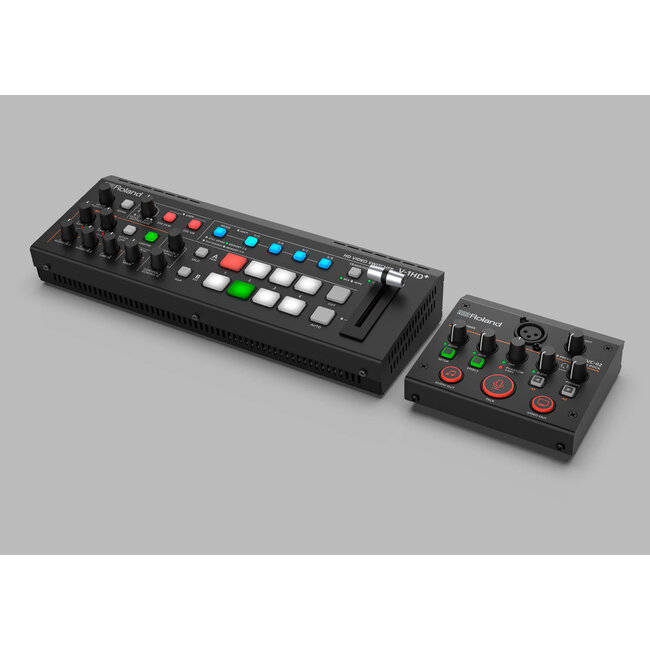
The AeroCaster Switcher app for iPad—available for free with your UVC-02 purchase—allows you to create a wireless multi-camera streaming setup with mobile devices. Connect and switch up to four smartphone or tablet cameras and send the combined signal into the UVC-02’s HDMI input for direct streaming to your favorite platform.
AeroCaster Switcher appPanel Design
Front

Rear

Company names and product names appearing on this page are registered trademarks or trademarks of their respective owners. Microsoft and Microsoft Teams are either registered trademarks or trademarks of Microsoft Corporation in the United States and/or other countries. Zoom and the Zoom logo are trademarks of Zoom Video Communications, Inc. ©2021 Cisco Systems, Inc. All rights reserved. Cisco, the Cisco logo, Webex by Cisco, and Webex are registered trademarks or trademarks of Cisco Systems, Inc. and/or its affiliates in the U.S. and certain other countries.